Real Flight Simulator: Best Free Mobile & PC Airplane Game
Played 33 times.


Take to the skies! Play Real Flight Simulator, an exciting browser flight game. Learn to take off, steer, and land with simplified controls today.
Instructions
Real Flight Simulator: Your Ultimate Guide to Conquering the Skies
Have you ever looked up at a massive commercial airliner cruising gracefully at 30,000 feet and thought, “I wonder if I could fly one of those?” For most of us, the childhood dream of becoming a pilot is eventually grounded by the harsh reality of flight school, endless training hours, and dashboards that look like they require a degree in advanced mathematics to understand.
But what if you could experience the absolute thrill of aviation without reading a 500-page manual?
Enter the Real Flight Simulator Game. I recently discovered this gem while hunting for a casual arcade experience, and let me tell you, it completely blew my expectations out of the sky. Unlike those ultra-hardcore, gigabyte-heavy simulators that punish you for pressing the wrong button, this title is beautifully designed for everyone. It is the perfect flight simulator online for anyone who just wants to throttle up, lift off, and touch the clouds within seconds of hitting the play button.
Whether you are a seasoned virtual pilot looking for a quick break or a complete beginner who has never even steered a digital paper airplane, this comprehensive guide will help you earn your virtual wings.
What Makes This Flight Experience So Ridiculously Addictive?
At first glance, flight games can be incredibly intimidating. Most developers think that to make a game "realistic," they need to make it impossibly hard. This game takes a completely different, much more enjoyable approach.
The Perfect Balance: Casual Yet Authentic
Real Flight Simulator is ultimately a casual airplane simulator game, but it does not sacrifice the feeling of weight and momentum. When you push the throttle forward, you can almost feel the massive jet engines roaring to life. The plane doesn't just dart around like a toy; it turns slowly, banks heavily, and requires you to actually think about your trajectory. It captures the majesty of flight perfectly, easily making it a top-tier flying airplane game.
Simplified Instrument Panels for Beginners
The absolute best feature of this simulator is what the developers left out. You will not find fifty different glowing dials, complex wind-speed calculators, or confusing radio frequency tuners blocking your screen. All of the complicated instrument panels are elegantly simplified. The game strips aviation down to its three most enjoyable core elements: starting your engines, steering through the beautiful blue sky, and mastering the nail-biting tension of the perfect landing.
The Thrill of the Perfect Landing
Anyone can fly a plane once it is in the air. The real addiction comes from landing it. Bringing a multi-ton metal bird down from the clouds and kissing the runway without bouncing or crashing requires a delicate touch. The rush of adrenaline you get when your landing gear smoothly touches the tarmac is unmatched. It is the reason I kept hitting the "retry" button for two hours straight!
How to Play: Instructions & Flight Controls
Because this is a highly optimized aircraft simulator, the developers have ensured that the controls feel buttery smooth whether you are sitting at a gaming desk or lounging on the couch with your smartphone.
💻 PC / Desktop Controls
If you are playing on a computer, the controls utilize a comfortable, classic keyboard-and-mouse combination:
-
Power & Throttle: Use your mouse to slide the right button up and down on the screen. Sliding it up increases your engine power for takeoff, and sliding it down cuts the throttle for descent.
-
Steering: Use the classic W, A, S, D keys on your keyboard to steer the directions. 'W' pitches the nose down, 'S' pulls the nose up to climb, and 'A' and 'D' bank the wings left and right.
📱 Mobile / Tablet Controls
If you are enjoying this as a pocket-sized aviation adventure, the touch controls are incredibly intuitive:
-
Power & Throttle: Simply use your right thumb to slide the right button on the screen up or down to manage your speed.
-
Steering: Use your left thumb to drag the green button (the virtual joystick) to bank, pitch, and steer your aircraft smoothly through the clouds.
The Ultimate Captain's Strategy: Takeoff, Cruise, and Landing
If you want to avoid ending up as a fiery fireball at the end of the runway, you need a strategy. Here is my personal, step-by-step guide to mastering the three phases of flight in this game.
Phase 1: The Takeoff
Do not just yank the steering column back immediately! Slide your power button all the way to maximum and let the airplane build up momentum on the runway. Wait until you have gathered enough speed, and then gently pull back on the steering (the 'S' key or dragging the green button down). Your nose will lift gracefully, and you will be airborne.
Phase 2: The Cruise
Once you are in the air, the golden rule is "micro-adjustments." Beginners tend to over-steer, throwing the plane into chaotic barrel rolls. If you want to turn left, bank slightly, let the plane naturally carve through the air, and then level out your wings.
Phase 3: The Landing (The Ultimate Challenge)
This separates the rookies from the captains. As with any great plane landing game, bringing the aircraft down smoothly is key. As you approach the runway, immediately slide your power button down to reduce speed. Do not cut the engine completely, or you will drop like a rock! Keep a steady, low speed. Align your nose with the center of the runway early. As you get closer to the ground, gently pull the nose up just a fraction—a maneuver called "flaring"—so your back wheels touch the tarmac first.
Want More Simulation Challenges? Try These Next!
Once you have mastered the skies and safely parked your commercial airliner, you might want to switch gears and test your skills on the ground. We have a fantastic collection of simulation and action games ready for you to explore.
If you enjoyed the slow, methodical precision required to land an airplane, you will love testing your spatial awareness on the ground. Try parking heavy luxury SUVs and mastering tight corners in the Prado Car Driving Game.
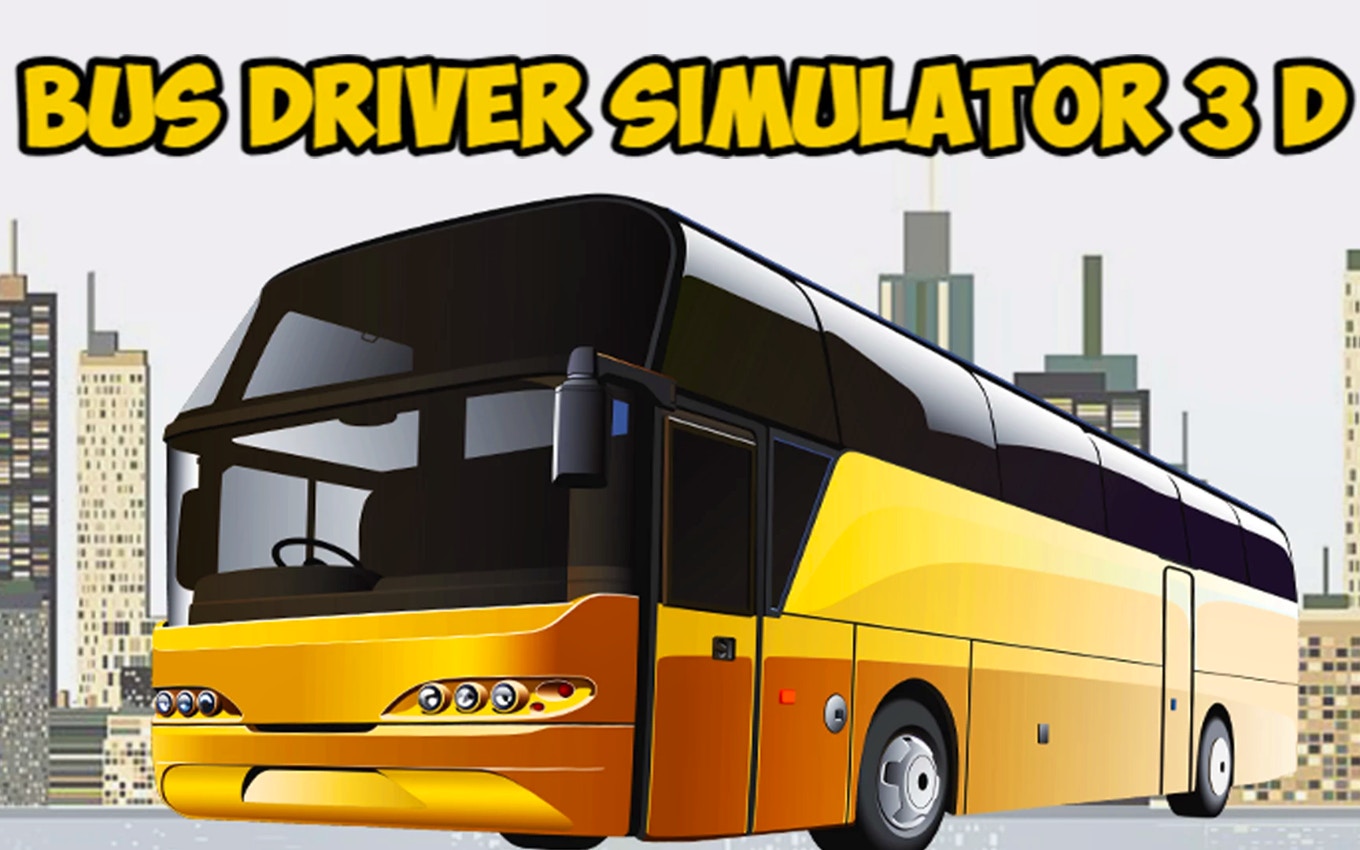
Maybe you want to take responsibility for virtual passengers, but you prefer staying firmly on the asphalt? Trade your pilot's hat for a transit uniform and navigate busy city streets in Bus Driver Simulator 3D.
If you are completely exhausted from following the rules of aviation and just want to experience chaotic, hilarious, and rule-breaking physics, you absolutely need to try the Drive Mad Game where the only goal is surviving the bumpy tracks.
Finally, if you want to trade your peaceful commercial flights for heavy armor and explosive combat, drop into the ultimate battlefield and Play Tank Strike Online against relentless enemies.
Why Browser Flight Simulators Are the Future of Casual Gaming
I remember a time when playing a 3D flight game meant buying expensive joysticks, clearing up 100 gigabytes of hard drive space, and waiting three hours for the game to install and update. Those days are officially behind us.
The most remarkable thing about this title is the underlying technology. Built on powerful HTML5 frameworks, this game delivers stunning blue skies, detailed aircraft models, and realistic physics directly through your web browser. It is the ultimate definition of an accessible browser flight game.
It does not matter if you are using Google Chrome on a high-end gaming rig or Safari on an older smartphone; the game scales dynamically to fit your screen and your device's processing power. There are no hidden fees, no annoying app store downloads, and no forced account registrations. You just click the link, step into the cockpit, and fly.
So, what are you waiting for? The runway is clear, the weather is perfect, and your passengers are waiting. Push that throttle forward and take to the skies today!
Frequently Asked Questions (FAQs)
Q1: Do I need a joystick or controller to play Real Flight Simulator?
Absolutely not! While hardcore simulators require expensive gear, this casual airplane driving game is specifically designed to be played perfectly with a standard keyboard and mouse on PC, or simple touch controls on mobile devices.
Q2: Why does my plane keep crashing right after takeoff?
You are likely pulling the nose up too early! Before you steer upward, you must push the right power slider to the maximum and allow the plane to build enough speed on the runway. Without enough speed, the wings cannot generate lift, and the plane will stall.
Q3: Is this game safe and suitable for kids?
Yes, it is 100% family-friendly. There is no violence, no inappropriate content, and no complicated mechanics. It is a fantastic, relaxing way for kids (and adults) to improve their hand-eye coordination and understand basic flight mechanics.
Q4: Do I have to download a large app to play on my phone?
No downloads are required. This is a fully optimized online free mobile pc game. As long as you have an internet connection and a modern mobile web browser, you can load the game instantly and start flying without taking up any storage space on your device.
Q5: How do I stop the plane after landing?
Once your wheels touch the runway safely, immediately slide the right power button all the way down to zero. The aircraft will gradually lose its momentum and eventually roll to a complete and safe stop on the tarmac.
Categories Comments